
← Back to projects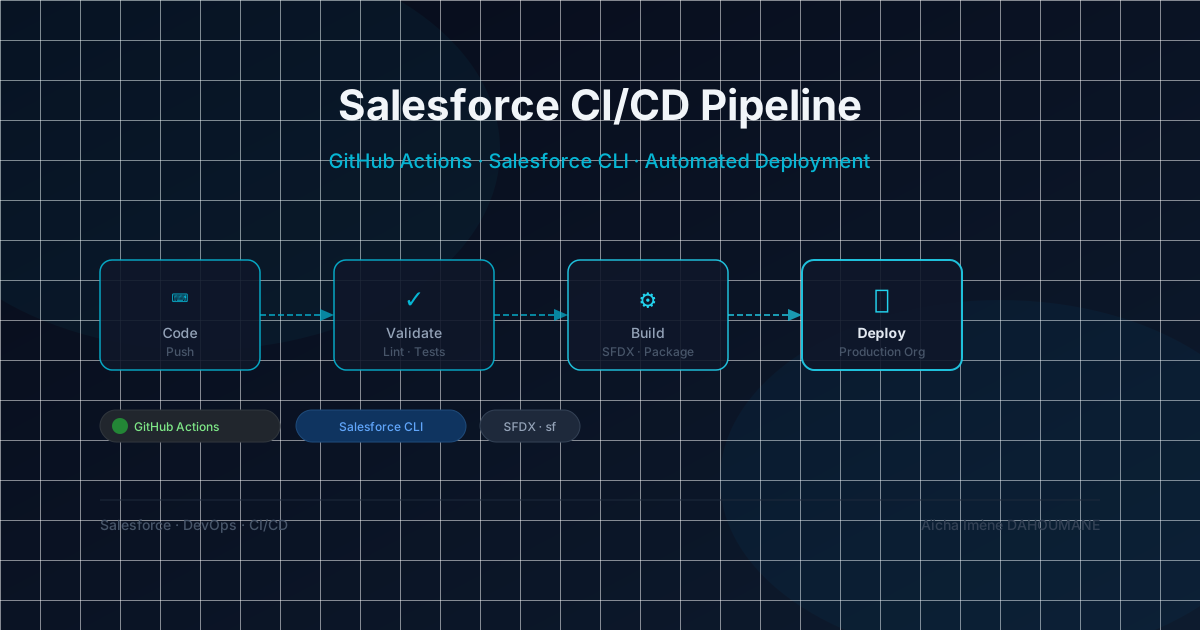
Personal project
CI/CD Pipeline — Multi-environment Salesforce Deployment
Git branching, automated Apex validation, and a documented rollback path for Salesforce releases — not a deployment checklist
Context
Salesforce doesn't ship a native CI/CD story: deployments between sandboxes and production are either point-and-click Change Sets or hand-rolled scripts, and "it worked in my sandbox" is a common failure mode. I built this pipeline as a personal project to apply the release discipline I'd use on any platform — branch protection, automated validation on every Pull Request, staged promotion, a documented rollback path — specifically to the constraints of Salesforce metadata deployments: no partial rollback, mandatory Apex test coverage, environment-specific metadata.
What I built
- Git branching strategy: feature → develop → main, with branch protection on develop and main
- GitHub Actions workflow: Apex validation + automated tests triggered on every Pull Request
- Automatic deployment to the integration sandbox on develop merge, and to the staging (UAT) sandbox on main merge
- Production release by Quick Deploy, triggered manually after UAT sign-off, reusing the validation already run against production
- Salesforce credentials management via GitHub Secrets (encrypted SFDX Auth URL)
- Deployment status notifications integrated at every pipeline stage
Tools & Technologies
- Salesforce CLI (SFDX) — metadata packaging and deployment
- GitHub Actions — CI/CD pipeline orchestration
- GitHub Secrets — secure SFDX credential management
- Apex Test Run — automated unit test execution
- SFDX Source Format — Salesforce metadata version control
Implementation steps
- 1AnalysisMapping of environments (Dev, Staging, Prod) and defining a branching strategy adapted to the Salesforce release cycle
- 2SFDX SetupProject initialization in SFDX Source Format, .forceignore configuration and authentication setup via SFDX Auth URL
- 3CI PipelineGitHub Actions workflows: Apex validation job with unit test execution triggered on every Pull Request to develop and to main
- 4CD PipelineDeployment automation: integration sandbox on develop merge, staging (UAT) sandbox on main merge plus a check-only validation against production — then a manually triggered Quick Deploy to production that reuses that validated test run instead of re-running the full suite
- 5SecuritySFDX Auth URL credentials stored in GitHub Secrets; develop and main protected by required status checks (the CI validation must pass before any merge)
- 6Rollback procedureSalesforce metadata deployments have no native undo. Documented procedure: revert the merge commit on main, re-tag the last known-good package, and re-run it through the same CI pipeline — as long as a forward deploy, by design, since no shortcut exists for Salesforce metadata
Decisions & Limitations
- Quick Deploy reuses the CI stage's already-validated test run instead of re-running the full Apex suite — Salesforce allows this within a 10-day validation window, cutting minutes off every release without skipping coverage
- No automated rollback trigger: rollback is the documented manual procedure above, not a one-click tool — building true rollback tooling for Salesforce metadata would be its own separate project
- Branch protection relies on required status checks, not on a mandatory human review: on a single-maintainer pipeline, GitHub does not let authors approve their own Pull Request — a required reviewer is the first rule I would add with a second contributor
- No post-deploy smoke tests: the pipeline validates before deploying, not after — a gap I'd close first if this pipeline had to support a live production org today
Results
3
Environments covered
Integration, staging, production
> 75%
Test coverage
Apex — required for deployment